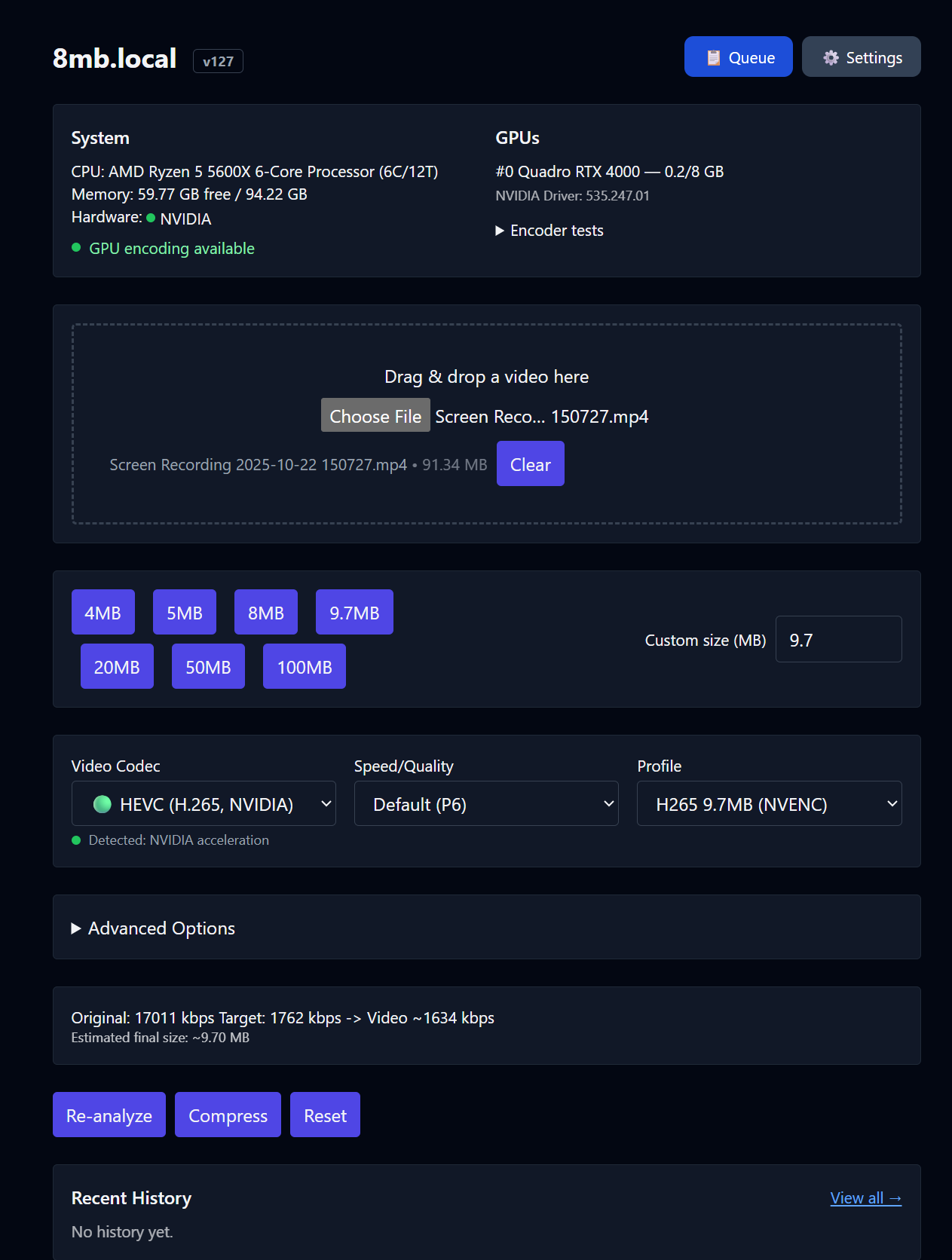
The 8mb.local project replicates the scenario of the popular online service 8mb.video, which compresses videos to fit messenger limits, but does so entirely on your machine: files are not uploaded to third-party servers. Inside is FFmpeg 6.1.1 with hardware encoding on GPU and automatic re-encoding when missing the target size, and launch is reduced to a single Docker command or a Windows installer. The project's Docker image has already been downloaded about 570,000 times, however claims about compression quality have not yet been confirmed by measurements.
What happened
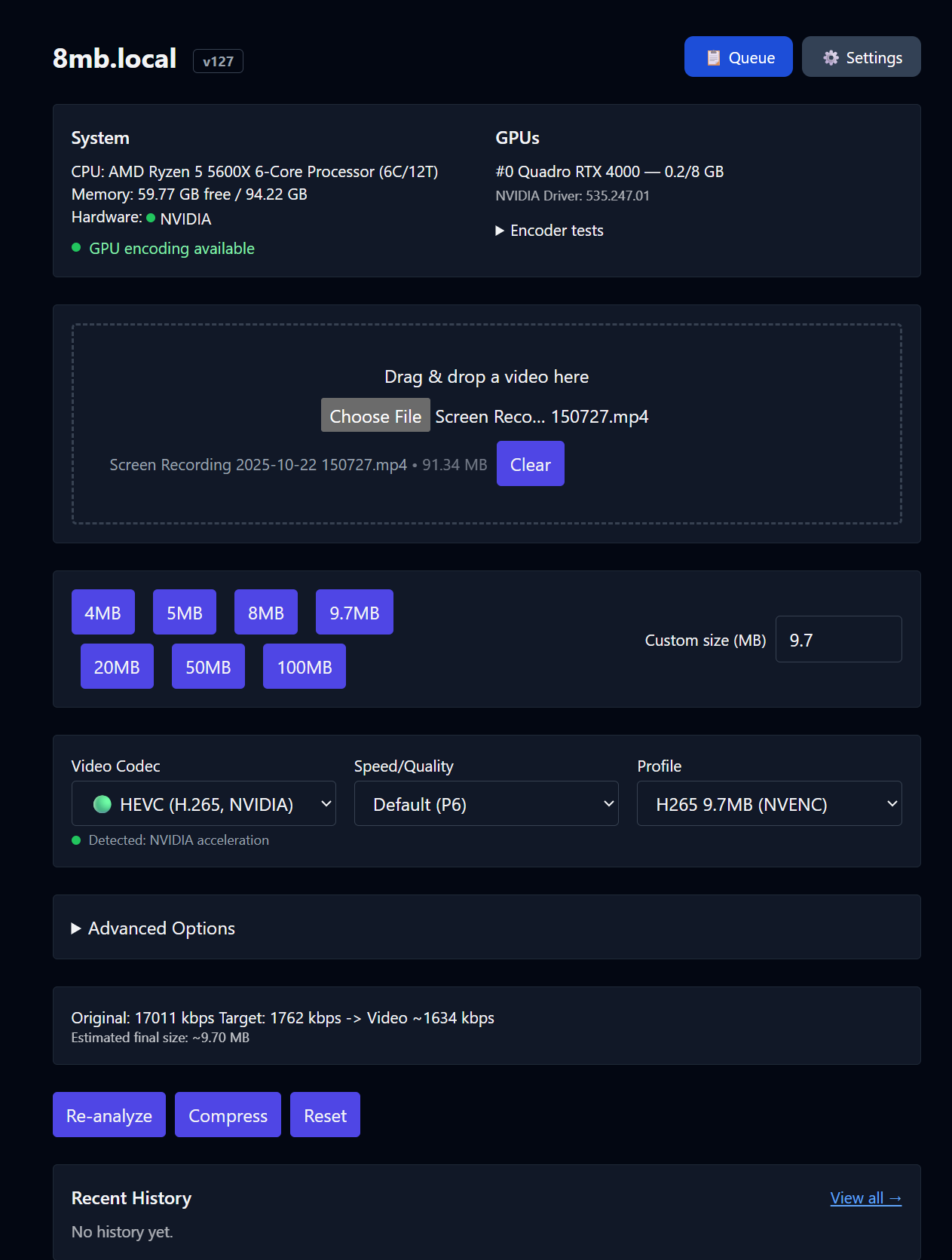
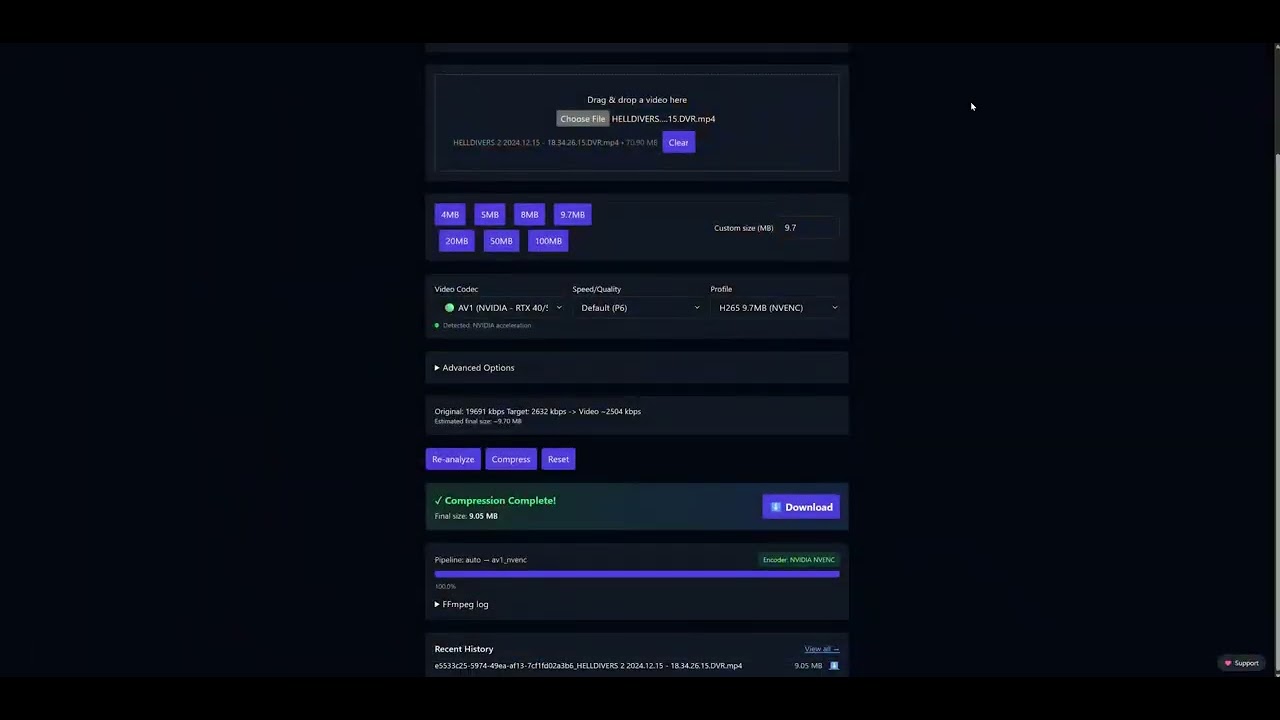
8mb.local has been presented — a self-hosted web version of the online service 8mb.video for compressing video to fit messenger limits, and in August 2026 the project released version v142 named "Faster Hardware Encoding, Reliable GPU Detection, and Improved Job Recovery". The interface is built on SvelteKit, the server side — on FastAPI with a Celery task queue and Redis, encoding progress is transmitted in real time via SSE. Under the hood is FFmpeg 6.1.1: hardware encoding via NVIDIA NVENC, Intel Quick Sync, and AMD AMF on Windows, or VAAPI on Linux, with automatic fallback to CPU codecs x264, x265, and SVT-AV1; supports AV1, HEVC (H.265), and H.264 codecs in MP4 and MKV containers. The target size is set by presets of 8, 25, 50, and 100 MB, and if the result exceeds the target by more than 2%, the file is automatically re-encoded with a lower bitrate. The service can be launched with a single Docker command: the jms1717/8mblocal image is hosted on Docker Hub, has received about 570,000 downloads, the web interface listens on port 8001; for Windows there is a native installer with WebView2 without Docker.
Context
The original 8mb.video solves a household task — fitting video into the restrictions of Discord and messengers, but in exchange requires uploading the file to someone else's servers and accepting their queues. 8mb.local moves this scenario to your own hardware, which fits into a stable trend of localizing cloud utilities: thin SaaS wrappers around FFmpeg lose their advantage, and distribution via a single Docker command brings hundreds of thousands of installations with almost no marketing costs. There is no algorithmic novelty in the project: all the "intelligence" is the system integration of ready-made FFmpeg with hardware encoders, and the value is built on privacy and convenience, not on a new compression method. At the same time, this is a feature, not a business: there is no visible monetization of the project.
Why this matters for the industry
For builders, this is a reproducible template for a local-first utility: the scheme "web interface plus task queue plus FFmpeg with GPU encoding" is assembled from publicly available components and shows how to package heavy local media processing into a regular web service with SSE progress and HTTP API. Folder Watch and API turn video compression into a callable step of automation, and the UX pattern "fit to size" with presets and automatic re-encoding can be reused in content publishing pipelines. For cloud compression services, this is an erosion of the value of the "upload the file to us" format: the speed of local GPU is limited only by hardware, and if the trend continues, self-hosted analogs of other popular online utilities are expected to appear by the same formula. There is also a limiter: the non-commercial license CC BY-NC 4.0 hinders embedding the project into commercial products and will likely keep it in the amateur niche.
Why this matters for users
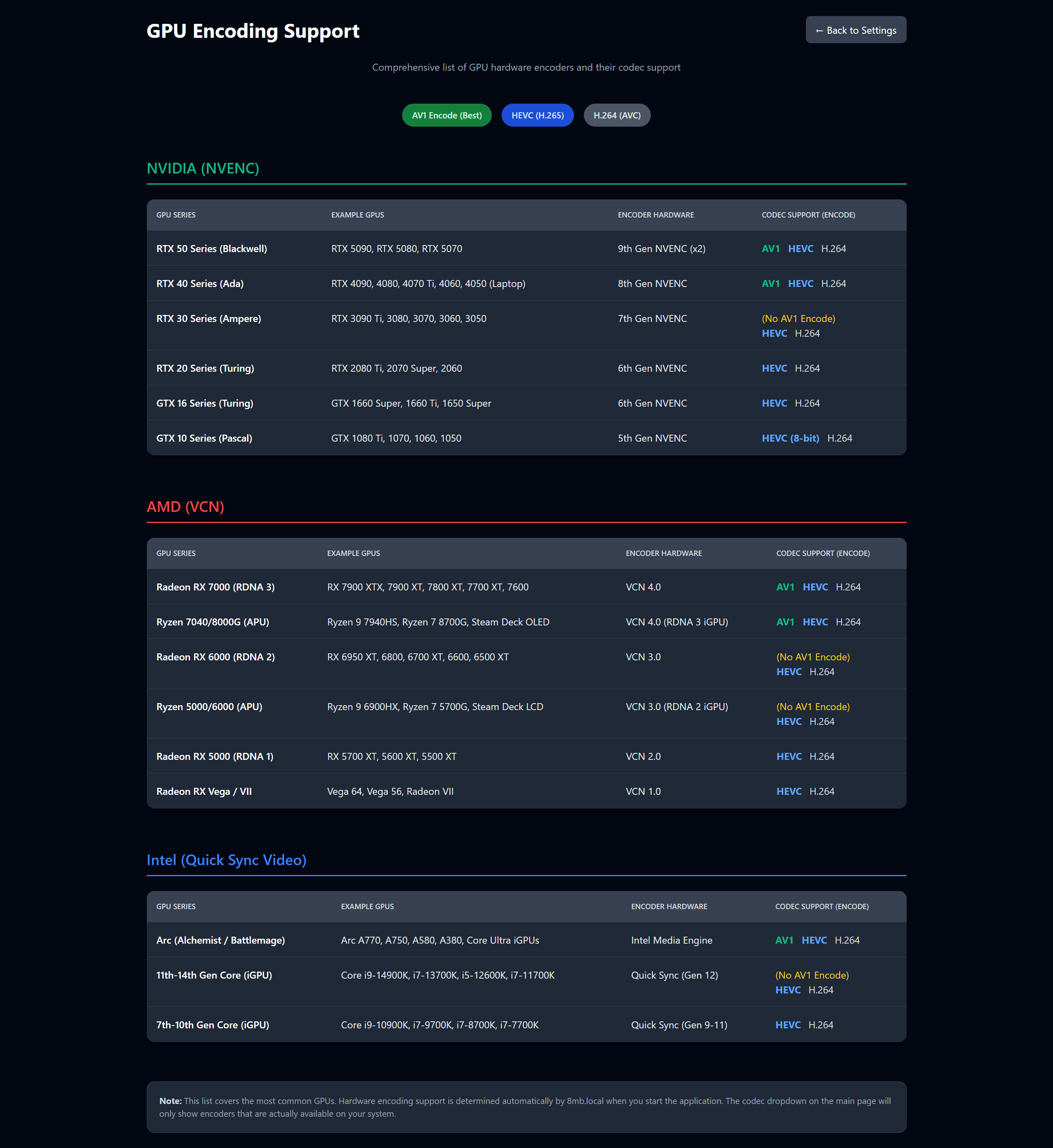
To compress video to fit Discord or a messenger limit, you don't have to upload the original to the cloud: the service is launched with a single docker run command with the jms1717/8mblocal image — the web interface will open on port 8001 — or the Windows version with WebView2 without Docker is installed. Inside is batch processing, trimming, codec selection (AV1 on RTX 40 and 50 gives better quality at the same file size), Folder Watch for automatic compression of an entire folder, and live FFmpeg logs. There are no queues or limits, the target size is chosen by ready-made presets, and local compression is usually faster than uploading the source to a third-party service. Practical nuances: for NVENC, an NVIDIA driver version 550 or newer is required, on macOS only CPU mode is available, and the quality of the result will have to be assessed by eye — there are no built-in meters in the project.
What is still unknown / limitations
About 570,000 image downloads and 904 stars on GitHub are signals of interest, not proof of compression quality. The formulation "reliable compression algorithms without quality loss where possible" remains marketing: compression to a target size is by definition lossy, and in the sources there are no metrics like VMAF or SSIM, nor comparative speed measurements. Automatic re-encoding with a lower bitrate when exceeding the target by more than 2% is a greedy bitrate control without declared convergence guarantees and without taking into account the final quality, so under a strict limit the picture may noticeably degrade. The claims of release v142 about speed and reliability are not accompanied by a measurement methodology, so their reproducibility according to available data cannot be verified.
Sources
- GitHub JMS1717/8mb.local — self-hosted GPU video compressor webui, inspired by 8mb.video
- Release v142 8mb.local — Faster Hardware Encoding, Reliable GPU Detection, and Improved Job Recovery
- Docker Hub jms1717/8mblocal — self-hosted GPU video compressor
Author
Look at AI, editorial team