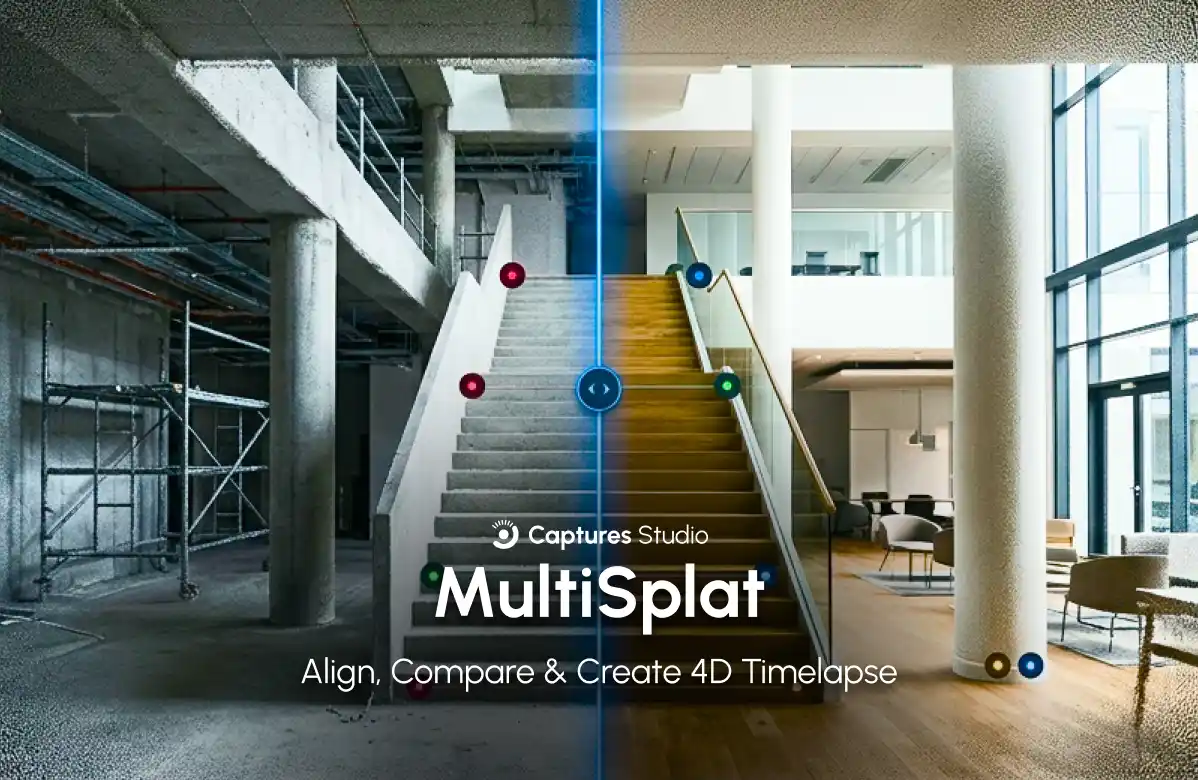
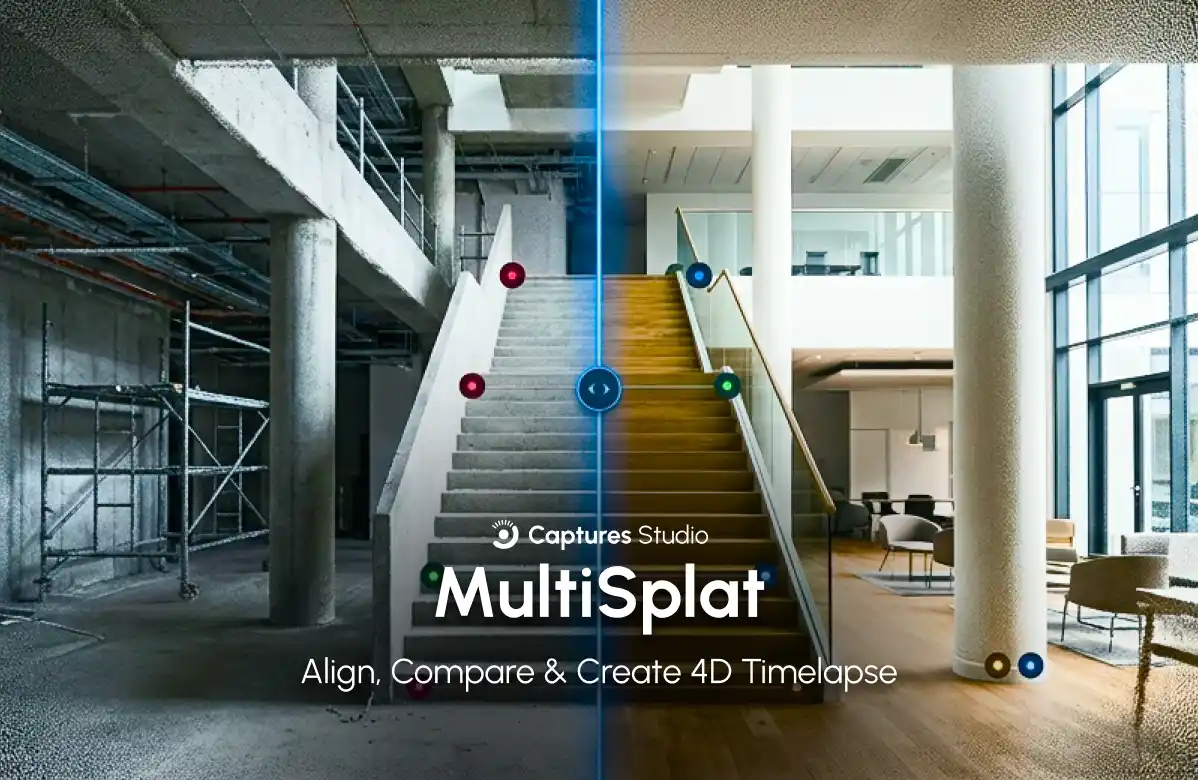
Captures Studio has released Multi Splat — a free web tool for aligning, comparing, and animating multiple Gaussian Splat scans of the same location made at different times. The program works entirely in the browser without uploading data to a server and allows turning disparate 3D models into an interactive timelapse with video export.

What happened
Multi Splat supports three working modes. The Align mode aligns multiple scenes of the same location using manual control points — it is enough to mark at least three pairs of points. The Compare mode provides a draggable split-screen with a shared camera for visual comparison of two scenes. The 4D Timelapse mode sequentially plays back aligned scenes with cross-fade or magic wavefront transitions and allows exporting the result to MP4 or WebM. Supported formats: .ply, .spz, .splat, .ksplat, .rad (Spark and World Labs). Alignment results are saved in .spz format with new camera poses embedded.
Context
Gaussian Splatting is a 3D reconstruction method from photographs in which each pixel is represented as a Gaussian sphere with transparency and color information. Before the release of Multi Splat, each scanning session remained in its own coordinate system, and there was no ready-made tool for comparing multiple scans of the same space. Alignment of multiple scenes is solved here through manual control points — a pragmatic approach that does not claim algorithmic novelty in the field of camera pose optimization or point cloud registration. Client-side processing excludes uploading data to a server, which is important for privacy and working with large files.
Why this matters for the industry
Multi Splat fills an infrastructure gap in the Gaussian Splat pipeline — the first free browser-based tool that turns disparate 3D scans into a comparable time series. This opens the way to 4D archives of real spaces for documentary visualization, construction site monitoring, cultural heritage preservation, and urban studies. Support for Spark and World Labs formats (.rad) signals the growing diversity of 3D data storage formats. The .spz format with embedded camera poses creates a foundation for standardized exchange of aligned data.
Why this matters for users
The tool is free, requires no installation or registration — you just need to open the page in a browser and drag and drop files. If you have made 3D scans of the same location at different times — for example, before and after renovation, seasonal landscape changes, or construction stages — you can now assemble an interactive timelapse with a free camera and export it to video. The lack of an API and headless mode means that automation is currently impossible without a manual wrapper.
What is still unknown / limitations
Methodological details of the alignment algorithms and the magic wavefront method are not disclosed — there are no published benchmarks or scientific description. Alignment using manual control points does not scale to large sets of scenes without modification. The tool is oriented toward validation and visualization, not production integration: there is no API, no automatic alignment.
Sources
Author
Look at AI, editorial team