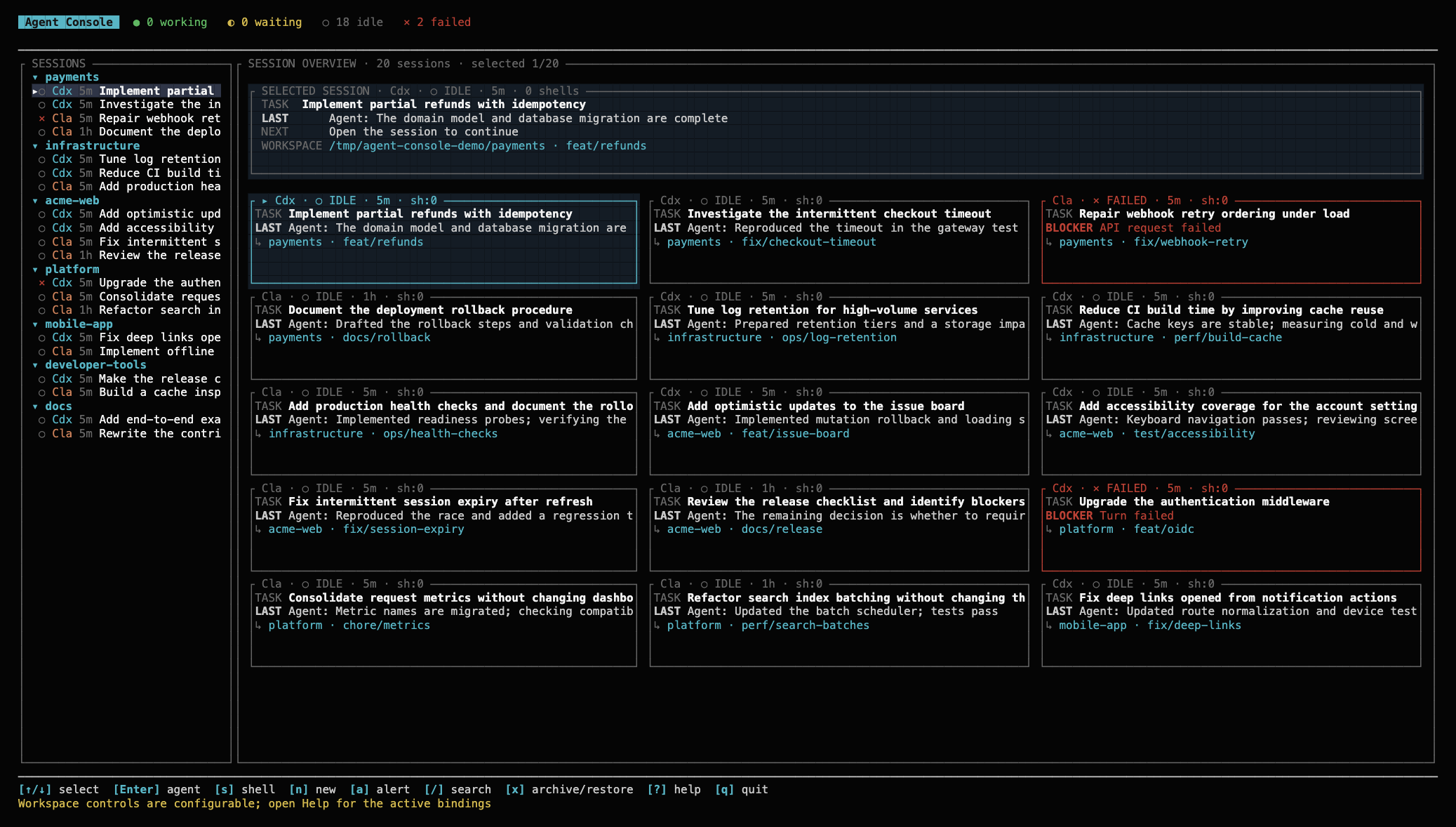
Agent Console has been introduced, a new developer tool that serves as a local control plane for managing autonomous AI agent sessions directly in the terminal. The solution allows for centralized control of Codex and Claude Code, solving the complex UX problem encountered when working with multiple parallel agents.

What Happened
A developer has introduced Agent Console — a terminal dashboard designed to manage Codex and Claude Code sessions. The tool allows users to group sessions into workspaces, track their current status (running, waiting, idle, or error), and resume work directly within the agents' native interfaces. Additionally, the system supports running multiple persistent terminal windows alongside the agent to maintain a unified working context.
Context
With the emergence of autonomous AI agents in the terminal, developers have faced the need to transition from one-off queries to full-fledged workflows. This requires UX-level management tools that provide state monitoring and context organization, which standard interfaces lack when scaling tasks.
Why It Matters for the Industry
The emergence of such tools signals the industry's shift toward using AI agents as sustainable workflows that require specialized control planes. This could lead to the formation of a new "Agent Dashboard" pattern, which may eventually become a standard in IDEs or terminal environments, and stimulate the development of standardized interaction protocols between agents and control panels.
Why It Matters for Users
For individual developers, the tool provides a significant boost in productivity and an improved local Developer Experience (DX). It reduces the cognitive load when switching between many simultaneous sessions, allowing for efficient management of parallel tasks without losing control over execution history and environment state.
What Is Not Yet Known / Limitations
The tool is a local solution and does not include enterprise governance mechanisms, which limits its application in enterprise architectures.
Sources
Author
Look at AI, Editorial Team